Phone Ringtone File Formats That Actually Work
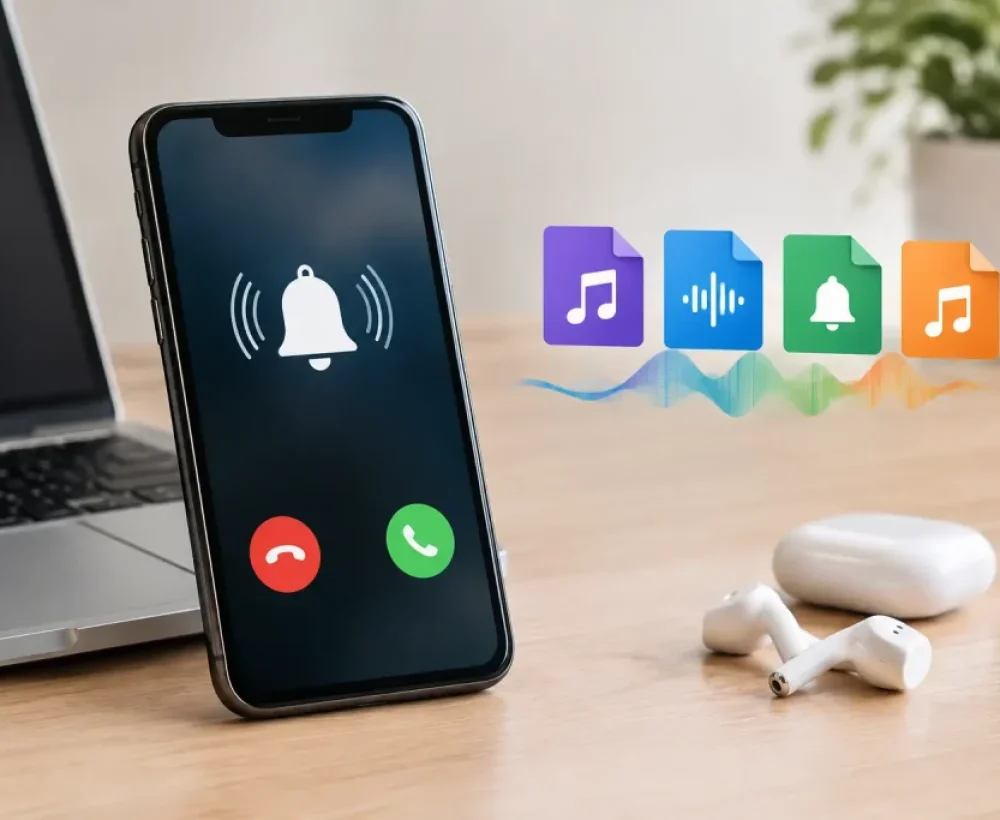
A ringtone can sound perfect in preview, download in seconds, and still refuse to show up in your phone’s ringtone list. Usually, the sound itself is not the problem. The issue is one of the phone ringtone file formats your device accepts.
For most people, the simple answer is MP3 for Android and M4R for iPhone. But file extensions, sound length, audio quality, and where you save the file can all affect whether a ringtone works. Here is the practical version, so you can spend less time changing settings and more time picking a sound you actually want to hear.
The Phone Ringtone File Formats to Know
MP3: the easy Android choice
MP3 is the most common audio download format for a reason. It is small, widely supported, and works on nearly every Android phone. If you are downloading a funny quote, a classic phone sound, an animal noise, or a short music clip for an Android ringtone, MP3 is usually the right file to choose.
Most Android phones can use an MP3 as a ringtone once the file is downloaded and selected in Sound settings. Some phones also let you add the sound directly from your Files app or music app. The exact menu names vary by Samsung, Google Pixel, Motorola, and other brands, but MP3 compatibility is rarely the obstacle.
MP3 is also a smart choice if you want one file that can be used in more than one place. You can save it as a ringtone, use it as a notification alert, share it with a friend, or drop it into a simple video edit without converting it first.
M4R: the format made for iPhone ringtones
M4R is the standard ringtone format for iPhones. It is closely related to AAC audio, which is often found inside M4A files, but the M4R extension tells an iPhone that the file is meant to be used as a ringtone.
If you download an M4R file, it will not always install like a regular song. You may need to add it through a computer using Apple’s device management tools or create the ringtone with GarageBand on your iPhone. That process has more steps than Android, but the format itself is straightforward: if it is an iPhone ringtone, M4R is the safe choice.
For best results, keep an iPhone ringtone at 30 seconds or less. A short, clean clip gets to the recognizable part of the sound quickly and is less likely to cause problems during setup.
M4A and AAC: good audio, not always ready to ring
M4A is a common file container for AAC audio. It can sound very good at a smaller file size than MP3, and iPhones play M4A files without trouble in music apps. Still, an M4A file is not automatically an iPhone ringtone.
Think of M4A as a useful source file. If you have an M4A clip you like, you can trim it and convert or export it as M4R for ringtone use. Simply renaming “sound.m4a” to “sound.m4r” may work in some cases, but it is not a reliable fix if the file was not prepared correctly.
On Android, some phones can play M4A files, but MP3 remains the easier option for custom ringtones. If you want the least complicated download, choose MP3 unless your device specifically needs something else.
WAV: clear sound, bigger files
WAV files are uncompressed or lightly compressed audio files. They can sound excellent, especially for short sound effects, but they are much larger than MP3 or M4R files. A 10-second WAV may be no big deal, while a longer music clip can take up more space than necessary.
Some Android phones accept WAV ringtones, but support is less consistent than MP3. iPhones do not use WAV as their normal ringtone format. WAV makes more sense when you are editing audio and want a high-quality working file before exporting the final ringtone in MP3 or M4R.
OGG, FLAC, and other formats
OGG and FLAC are popular with some audio fans because they can offer efficient or high-quality playback. A few Android phones may support them for music, but ringtone support can be inconsistent between phone models and Android versions. iPhones do not use them for standard ringtone setup.
If a sound comes in OGG, FLAC, AIFF, or another less common format, converting it to MP3 is usually the fastest route for Android. For iPhone, convert or export it to M4R after trimming the clip.
File Extension vs. Audio Format: Why Renaming Is Not Enough
A file extension is the part after the dot in a filename, such as `.mp3` or `.m4r`. It helps your phone identify the file, but it does not change the audio data inside the file.
That is why renaming a file from `my-song.mp3` to `my-song.m4r` does not truly convert it. The phone may reject it, fail to import it, or show it without playing any sound. Real conversion changes the file into the correct audio format, codec, and container.
If you only need a ringtone for Android, downloading a ready-to-use MP3 avoids this issue. If you are setting up an iPhone ringtone, start with a properly made M4R whenever possible. Fewer conversion steps mean fewer chances for a file to fail.
How Long Should a Ringtone Be?
A ringtone does not need to be a full song. In fact, shorter is usually better. Most calls are answered, ignored, or sent to voicemail before a long intro reaches the good part.
For iPhone, stay at or under 30 seconds. For Android, longer files can work, but 15 to 30 seconds is still a practical range. Choose a section with a clear opening sound, a recognizable beat, or a loud enough voice line. Quiet intros and slow build-ups are easy to miss in a noisy room.
Also consider how often you will hear it. A joke sound that is hilarious once may get old after your phone rings five times in one afternoon. Short clips with a clean start and finish usually hold up best.
Audio Quality: Bigger Is Not Always Better
You do not need studio-level audio for a ringtone. Phone speakers are small, and a huge high-bitrate file will not make a basic sound effect dramatically better. For most ringtone downloads, a standard MP3 with clear volume is enough.
What matters more is the mix. A ringtone should be loud enough to hear but not distorted. Sounds with strong midrange frequencies, such as voices, bells, guitar hooks, simple beats, and classic ring sounds, tend to cut through background noise better than deep bass-heavy tracks.
If you are making a ringtone from a song, trim the clip at a natural point and fade the ending slightly if needed. An abrupt stop is fine for a comedy sound or alert, but it can feel rough with music.
Where to Save Ringtones on Android
On many Android phones, downloaded MP3 files first land in the Downloads folder. You may be able to select the file from there, but moving it into a folder named Ringtones can make it easier for your phone to find.
Open your phone’s file manager, locate the downloaded audio file, and move or copy it to Internal Storage > Ringtones. Then open Settings, go to Sound or Sound & vibration, choose Phone ringtone, and look for the custom sound option. The wording changes by phone, but the basic process is similar.
For notification sounds, place the file in a Notifications folder if your phone does not show it automatically. Keep filenames simple. A name like `funny-doorbell.mp3` is easier to find than a long string of random letters and numbers.
What to Do When a Ringtone Will Not Work
When a file will not appear or play, check the simple stuff before trying complicated fixes:
- Confirm the file is fully downloaded and plays in your phone’s audio player.
- Check that Android files are MP3 when possible, while iPhone ringtone files are M4R.
- Trim long files to 30 seconds or less, especially for iPhone.
- Move Android files to the Ringtones folder, then restart the phone if the sound list does not refresh.
If an MP3 plays normally but is missing from the ringtone picker, it is usually in the wrong folder or the phone needs a quick restart. If an iPhone will not accept a file, the problem is often that the file is M4A or MP3 instead of a properly exported M4R.
Pick the Format That Matches Your Phone
The best ringtone format is not necessarily the one with the highest audio specs. It is the one your phone recognizes without extra work. For Android, that usually means a short MP3. For iPhone, it means a short M4R. Everything else is mainly useful if you are editing, converting, or working from an existing audio file.
MingoSounds keeps simple downloadable audio front and center because most people just want a sound they can preview, save, and use. Start with the format your phone expects, choose a clip you will not get tired of, and give it a quick test call before you rely on it.