Funny Sounds for Ringtones, Memes, and More
A perfectly timed funny sound can do more than fill silence. It can turn an ordinary ringtone into a running joke, make a short video land better, or give a group chat the exact reaction it needs. The best funny sounds are quick, recognizable, and easy to use without making people wait through a long clip.
For most people, the goal is simple: find a sound, preview it, download the MP3, and use it. But choosing the right clip still matters. A loud air horn might be hilarious once and annoying by the third replay. A tiny cartoon pop, goofy laugh, or dramatic fail sound often gets the reaction without taking over the moment.
What Makes Funny Sounds Actually Work?
Comedy in audio is mostly timing. A sound that lasts one or two seconds is easy to drop into a meme, notification, or joke edit. It arrives, makes its point, and gets out of the way. Longer clips can work for prank calls between friends or full video edits, but they need a clear payoff.
Recognition also helps. People respond fast to familiar audio cues: a record scratch after an awkward comment, a sad trombone after a fail, a cartoon boing when someone trips, or exaggerated applause after a tiny achievement. You do not need to explain the joke when the sound already carries the meaning.
The tone matters, too. Some clips are playful and family-friendly. Others lean chaotic, sarcastic, or intentionally weird. Think about where the sound will play before downloading it. A goofy notification might be great around friends but less ideal in a quiet classroom, office, or public place.
Funny Sounds for Ringtones and Notifications
A funny ringtone should be short enough that you can answer before the joke wears out. If your phone plays a 30-second scream every time someone calls, it may be funny for a day. A five-second clip with a clean start is much easier to live with.
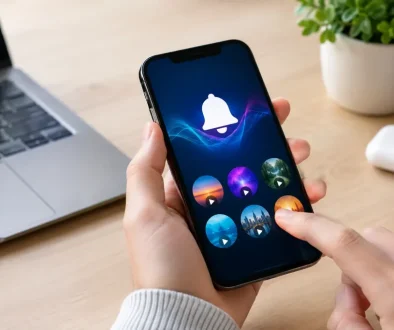
For calls, try a voice line, a fake telephone ring, a dramatic fanfare, or a silly animal sound. For text notifications, quieter clips usually work better. A tiny laugh, squeak, pop, whistle, or comedic “uh-oh” can make you smile without making everyone nearby look up.
Volume is the trade-off. A sound that seems too quiet in headphones may be surprisingly loud through a phone speaker. Preview it at a normal phone volume before setting it as your main alert. If the beginning is silent or slow, trim it when your phone allows it so the funny part starts right away.
It can also help to assign different sounds to different people. Give close friends a joke alert, use a calmer tone for family, and save a standard sound for work contacts. That keeps your phone personal without making every notification feel like a comedy sketch.
Using Funny Sounds in Memes and Short Videos
Short-form videos move fast, so the audio needs to match the beat of the moment. A reaction sound works best immediately after the visual joke: the person drops something, the camera zooms in, then the crash, gasp, laugh, or fail sound hits. Waiting even one extra second can make the joke feel flat.
Start with the video rather than forcing a clip into it. Watch the moment where the mood changes. Maybe someone realizes a mistake, a pet gives a strange look, or a friend makes an overconfident claim. That is where a sound effect can add emphasis.
Keep the clip lower than spoken audio if people are talking. A funny sound should support the joke, not bury the punchline. If there is no dialogue, you have more room for a bigger reaction, such as dramatic music, a crowd cheer, a cartoon crash, or an exaggerated buzzer.
Less is usually funnier. Stacking laugh tracks, boings, sirens, and applause into every few seconds can make a video feel crowded. One well-placed sound can be memorable. Three different sounds at once can make viewers miss all of them.
Popular Types of Funny Sound Effects
Different jokes need different kinds of audio. Browsing by sound type makes it faster to find something that fits your idea.
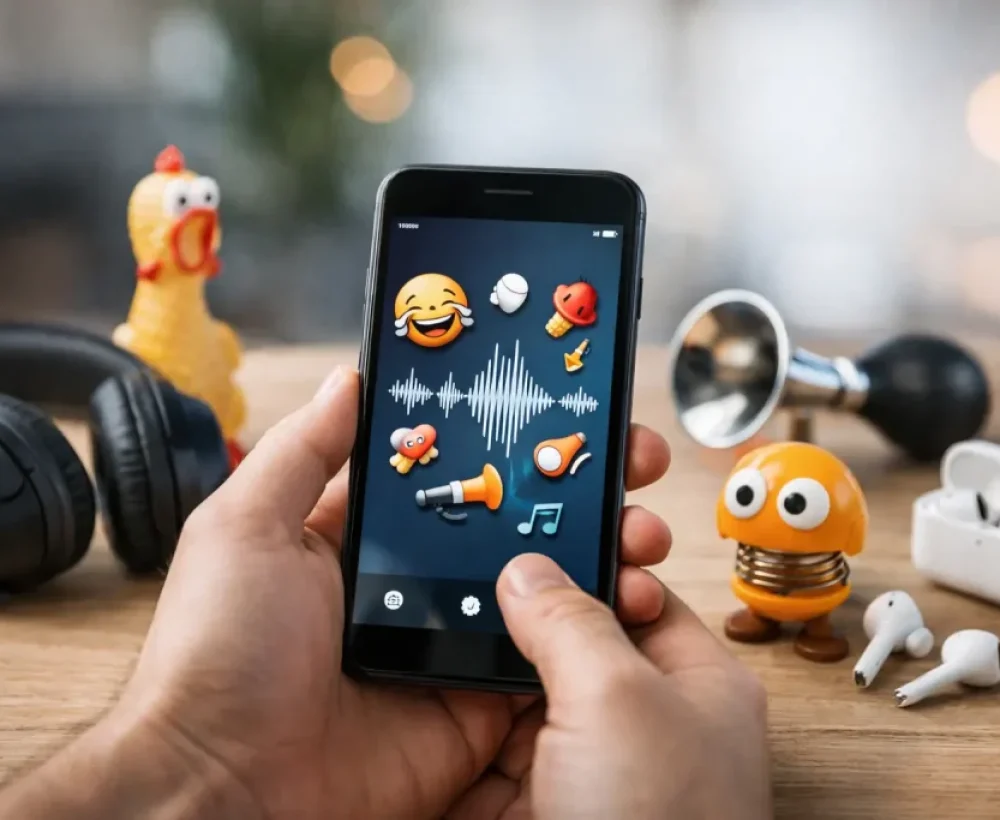
- Cartoon sounds include boings, bonks, springs, pops, whistles, and exaggerated falls. They are useful for playful edits, pet videos, and harmless physical comedy.
- Reaction sounds include laughs, gasps, applause, awkward silence, rimshots, and sad trombones. Use them to underline an opinion, a win, a fail, or an uncomfortable moment.
- Animal sounds such as confused cats, barking dogs, squawking birds, and farm noises can make a clip feel more random in a good way.
- Novelty voices and noises include fake sneezes, goofy catchphrases, burps, strange laughs, and over-the-top screams. These work best when the people hearing them know the joke.
The category is only the starting point. Preview several options because small details make a difference. One laugh can sound warm and natural, while another sounds canned. One horn might be bright and funny, while another is harsh enough to make people mute the video.
Choose a Clip That Fits the Situation
Funny does not always mean loud. A quiet, unexpected sound can be more effective than a giant explosion effect. For example, adding a soft cricket sound after a bad joke is often funnier than playing a huge booing crowd. The contrast creates the laugh.
Think about your audience. Friends who share meme references may enjoy an absurd soundbite. A broader audience may react better to simple effects that need no context, like a trombone, slide whistle, or cartoon impact. If you are making content for kids, stick with clean, bright sounds and avoid clips that could be confusing or too intense.
Also consider replay value. Social posts may only be heard once, so you can take bigger chances. Ringtones and notifications repeat all day. Choose something you will still enjoy after your fiftieth message.
Quick Tips Before You Download
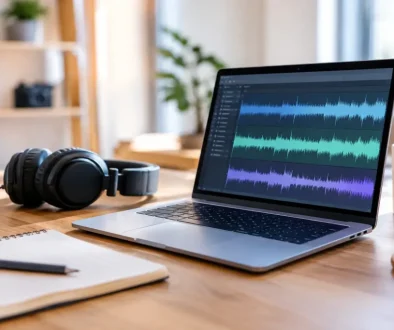
Check that the file is in a format your device or editor can use. MP3 is a practical choice for phones, simple video apps, and casual projects because it is small and widely supported. Save the clip with a name you will recognize later, especially if you download several versions of the same sound.
Preview the full audio instead of judging from the title alone. A file called “funny laugh” could start with a long pause, include extra background noise, or have a punchline later than you need. A fast preview saves time when you are trying to finish an edit or change a ringtone quickly.
For a video, keep a copy of the original sound file before trimming or adjusting volume. You may want a shorter cut for one post and a longer version for another. For a phone, test the finished alert with the screen locked and the volume set where you normally keep it.
MingoSounds makes this kind of browsing simple by grouping free downloadable clips into categories, so you can move from funny reactions to animal noises, sound effects, or ringtones without digging through a complicated audio library.
Make the Joke Yours
The funniest sound is not always the most famous one. Sometimes it is the tiny squeak your friend uses every time they lose a game, the dramatic sting after a sibling says something obvious, or the random duck noise that somehow became your group’s signature reaction.
Save a few favorites, but keep looking when you need a fresh joke. The right clip should feel fast, clear, and fun to replay. If it makes you laugh during the preview, it has a good chance of making someone else laugh at exactly the right moment.