How to Set Ringtone for Mobile Phone
That default ringtone does its job, but it also sounds like everyone else’s phone in the room. If you’re trying to figure out how to set ringtone for mobile phone, the good news is that it usually takes just a minute or two once you know where your phone hides the setting.
The exact steps depend on whether you use iPhone or Android, and there’s one small catch: setting a built-in ringtone is easy, but using a custom sound file can take a little more work. Still, it’s all pretty manageable if you want something more personal, funnier, louder, or simply easier to hear.
How to set ringtone for mobile phone on iPhone
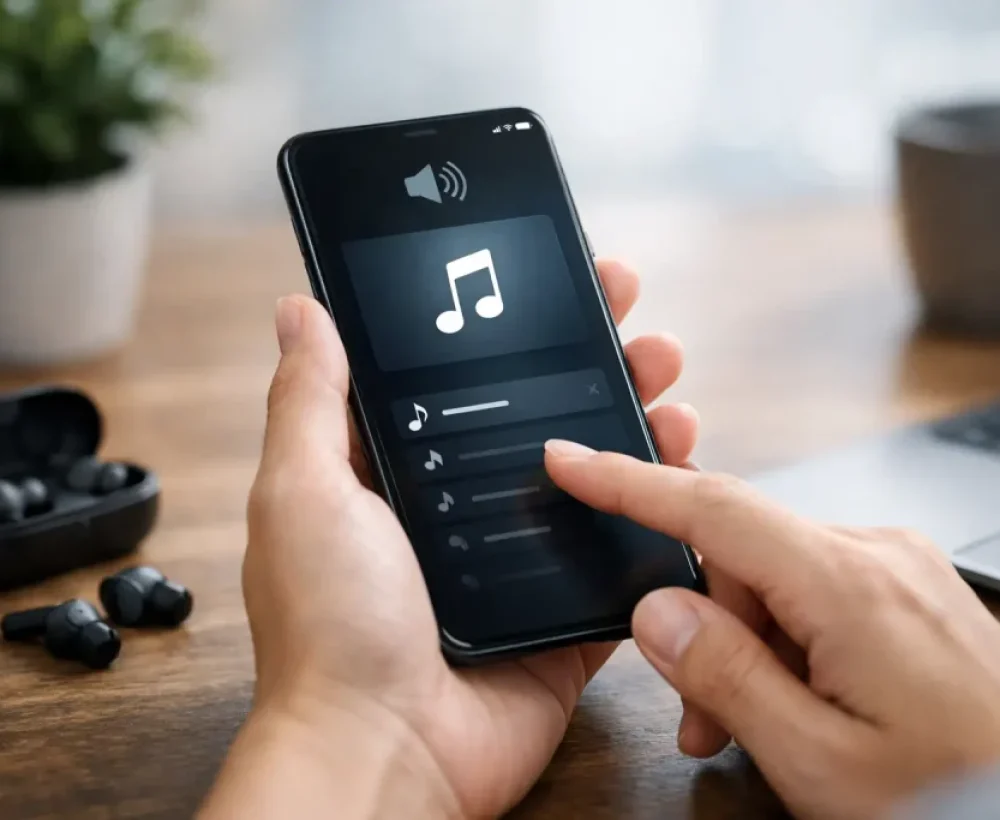
On an iPhone, changing your ringtone is simple if you’re choosing one of Apple’s built-in sounds. Open Settings, tap Sounds & Haptics, then tap Ringtone. You’ll see a list of available tones. Tap any option to preview it, then leave the checkmark on the one you want.
If that’s all you need, you’re done. Your new ringtone will be used for incoming calls unless you assign a different ringtone to a specific contact.
If you want a custom ringtone on iPhone, things get a little less direct. iPhones do not let you casually set any MP3 from your Files app as a ringtone the way many Android phones do. Usually, you need to create or buy a ringtone file in the right format and length, then add it through Apple’s tools. For most people, that means using GarageBand on iPhone or preparing the file on a computer first.
That extra step is the trade-off with iPhone. The setup is clean, but custom audio is more restricted.
Set a custom ringtone for one contact on iPhone
If you want your phone to sound different when a certain person calls, open Contacts, choose the person, tap Edit, then tap Ringtone. Pick the sound you want and save it. This is useful if you need to know who’s calling without looking at your screen.
It also helps if you want one general ringtone for everyone and something more noticeable for family, work, or repeat callers.
How to set ringtone for mobile phone on Android
Android usually gives you more flexibility. On most phones, open Settings, tap Sound or Sounds and Vibration, then tap Phone Ringtone or Ringtone. From there, choose one of the built-in tones and save your selection.
The wording may look slightly different depending on your phone brand. Samsung, Google Pixel, Motorola, and other Android devices all organize menus a little differently, but the ringtone setting is usually somewhere inside Sound.
Where Android gets easier is custom audio. Many Android phones let you use an MP3 file stored on your device. In the ringtone menu, look for Add, Plus, or a file picker option. Once you select the audio file, it can become your new ringtone.
If you downloaded a sound and don’t see it in the ringtone list, move the file into your phone’s Ringtones folder using the Files app. After that, check the ringtone settings again. Some phones update the list right away, while others need a restart.
Use a custom MP3 as your ringtone on Android
This is usually the fastest route. Download the MP3 file, open your file manager, and make sure it’s saved somewhere your phone can access. If needed, move it into the Ringtones folder. Then go back into Settings, open the ringtone menu, and choose the file.
One thing to watch is file length. A full song can work, but it’s rarely the best choice. Most calls don’t ring long enough to reach the part you actually want. Shorter clips are more practical, especially if you want a funny sound effect, a hook from a song, or a clean loop.
Choosing the right ringtone matters more than people think
A ringtone is not just a small customization. It’s also functional. Some tones sound great in a quiet room and disappear completely in a noisy store, on a train, or from the bottom of a bag.
That’s why the best ringtone depends on where you use your phone most. If you miss calls often, skip soft intros and low bass-heavy clips. A sharper sound with a clear pattern is usually easier to hear. If you’re in shared spaces a lot, something shorter and less obnoxious is smarter, even if the joke ringtone makes you laugh the first time.
There’s also the issue of repetition. A sound that feels funny once can get old fast when you hear it ten times a day. Novelty works best when you actually want novelty. If you just need a ringtone that helps you notice calls, simple usually wins.
Common problems when setting a ringtone
Most ringtone issues come down to file type, file location, or phone restrictions.
If your custom sound is not showing up, check the file format first. MP3 works well on many Android phones, but iPhone is pickier. If the file exists but won’t appear in the ringtone list, move it to the right folder or re-download it and try again.
If the ringtone saves but you still hear the default sound, make sure you changed the call ringtone and not the notification tone. Phones separate these settings, and it’s easy to tap the wrong one.
Volume is another common problem. Sometimes people think the ringtone did not change, but the real issue is that ringtone volume is turned down. Check the Sound settings and make sure the ringtone slider is up.
Focus modes, silent mode, and Do Not Disturb can also interfere. Your ringtone may be set correctly but not play under certain conditions. If calls stay quiet, look at those settings before assuming the file is broken.
How to set ringtone for mobile phone with contact-specific tones
A custom ringtone for one person can be more useful than changing your phone’s main ringtone. Maybe you want a certain sound for your partner, your boss, or your kids’ school. Both iPhone and Android support this, though the steps vary a bit by device.
On Android, open the Contacts app, pick a contact, tap Edit or the menu icon, and look for Set Ringtone or a similar option. On iPhone, open Contacts, choose the person, tap Edit, then tap Ringtone.
This setup is worth doing if you screen calls by sound. It saves time and makes your phone feel more organized without requiring any big change.
Built-in ringtone or custom download?
Built-in tones are quick, stable, and already optimized for your phone. They’re the easiest option if you want zero hassle. The downside is that many people use the same sounds, so your ringtone may not feel very personal.
Custom downloads give you more range. You can pick a meme sound, a classic ring, an animal noise, a dramatic effect, or a short music clip that actually fits your style. If you use a site like MingoSounds, the main appeal is simple: preview a sound, download it fast, and try it on your phone without a lot of extra steps.
The trade-off is compatibility. Android handles custom files more easily. iPhone can do it too, but it asks for more effort. So the better option depends on whether you care more about speed or customization.
A few smart ringtone choices
If you want a ringtone that works well day to day, aim for a sound that starts quickly and stays clear at low and high volume. Classic phone rings still work for a reason. Short electronic tones also cut through background noise better than many music clips.
Funny ringtones are great if that’s the point, but it helps to keep them short. Long spoken clips can be entertaining once and annoying after that. For work or school, something simple is usually the safer pick. For personal use, go with whatever makes you want to answer your phone instead of ignore it.
If your phone supports vibration plus ringtone, use both. That combination catches more calls than either one alone.
What to do if you want to change it often
Some people switch ringtones all the time. If that’s you, keep a small folder of your favorite audio clips so you don’t have to search again every time you want a different sound. Short files are easier to manage, and naming them clearly helps more than you’d think.
It also helps to test a ringtone in real conditions. Set it, call your phone from another device, and listen from across the room. If it sounds weak, awkward, or too long, change it now instead of missing calls for a week.
A ringtone should be easy to hear, easy to live with, and easy to change when you get bored of it. If you keep that in mind, picking one gets a lot simpler.