Free Game Over Sounds for Videos, Alerts, and More
That familiar losing jingle can say more in one second than a caption ever could. Free game over sounds are useful when a video needs a clear fail moment, a stream needs a funny alert, or your phone needs a ringtone that does not sound like everyone else’s. From retro arcade bleeps to dramatic defeat stings, the right clip makes the joke land faster.
What Makes a Good Game Over Sound?
A game over sound should be easy to recognize quickly. Most people hear it and immediately understand the moment: the player lost, the challenge ended, or something went hilariously wrong. That is why these sounds work so well in memes, short videos, gaming clips, and reaction edits.
The best choice depends on the mood. A classic 8-bit game over effect feels playful and nostalgic. A deep, dramatic failure sound can make a missed shot or bad decision feel bigger than it really is. A cartoon-style buzzer works well for prank videos, group chats, and lighthearted posts.
Length matters too. For a ringtone or notification, a short sound is usually better because it gets attention without becoming annoying. For a video edit, you may want a clip with a little buildup, a final impact, or a few seconds of music after the loss sound.
Popular Types of Free Game Over Sounds
There is no single game over sound that works for every situation. Browsing by style makes it easier to find a clip that matches your video, game, or phone.
Retro Arcade Game Over Sounds
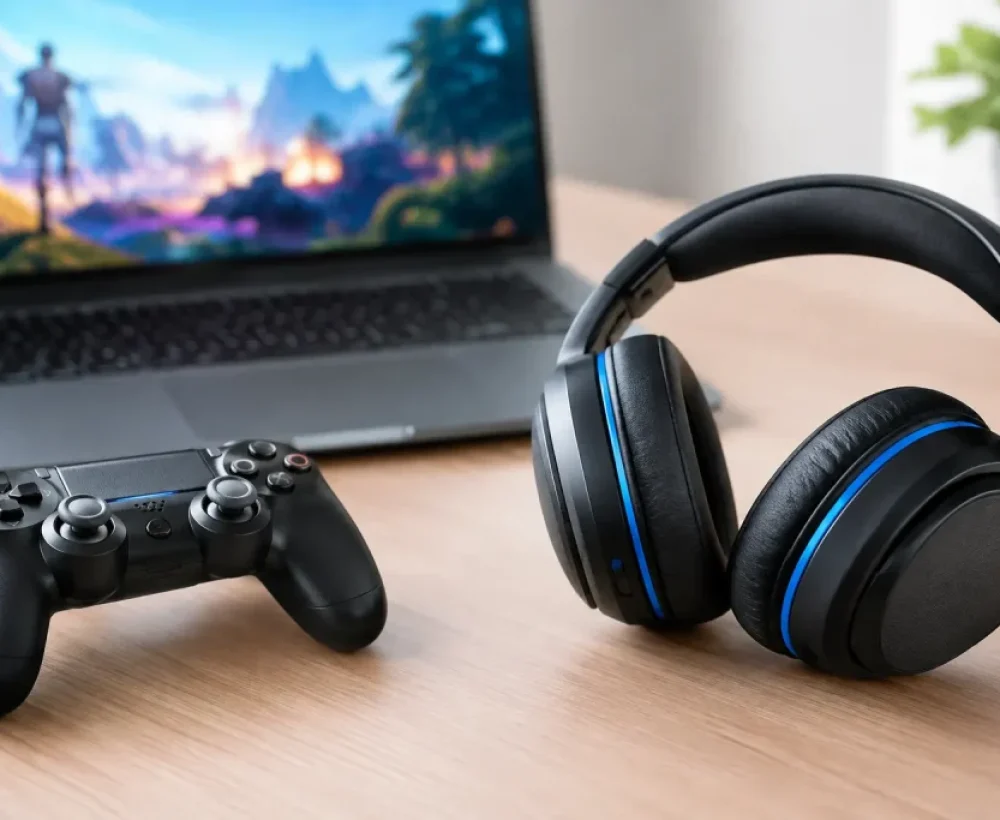
Retro game sounds are great for anything that needs an old-school feel. Think electronic beeps, descending notes, coin-op arcade effects, and pixel-game melodies. They work especially well with gameplay clips, challenge videos, tech jokes, and content that references classic games.
A short retro effect can also make a fun text tone. If you want your phone to feel a little less serious, an arcade-style loss sound is a simple option.
Funny Fail Sounds
Funny fail sounds are made for moments when somebody misses, drops something, says the wrong thing, or makes a confidently bad choice. A buzzer, wrong-answer tone, comical trombone-style effect, or exaggerated crash can turn a plain clip into a punchline.
Use these carefully in longer videos. One well-timed sound is funny. Repeating the same loud fail effect every few seconds can get old fast. For quick social posts, though, a familiar failure sound gives viewers the context right away.
Dramatic Defeat and Boss Loss Sounds
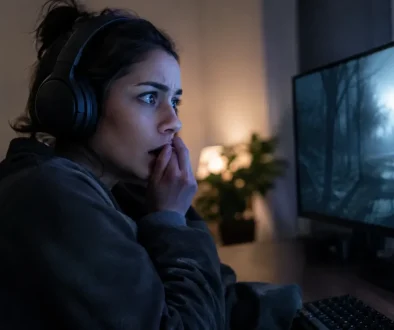
Some losses deserve more than a tiny beep. Dramatic game over sounds use heavier hits, dark tones, tense music, or cinematic stings. They fit a difficult game level, a competitive stream, a mock-serious announcement, or a video where the whole plan falls apart.
These clips can be more useful than comedy effects when you want the ending to feel final. Just make sure the sound does not overpower dialogue or important gameplay audio.
Glitch, Error, and Digital Failure Sounds
A glitchy error sound is not always technically a game over effect, but it creates the same feeling. Digital distortion, corrupted audio, system alerts, and shutdown sounds are good choices for failed loading screens, broken plans, or awkward online moments.
This style is common in short-form edits because it can transition quickly from normal audio to a sudden fail moment. It also works for notification sounds if you prefer something modern over a retro arcade tone.
How to Choose the Right Sound for Your Project
Start with the joke or message. If the clip is silly, choose a sound that feels silly. If the moment is intense, use a dramatic stinger. If the audience is likely to recognize classic gaming audio, a retro-style effect can add an extra layer of nostalgia.
Next, think about where the sound will play. A phone notification needs to be clear at low volume and short enough that it does not interrupt everything around you. A video sound effect can be longer, but it should still leave room for voices, music, and other effects. For a stream alert, choose something noticeable that will not become irritating after the tenth follow or donation.
Also consider the timing. A game over sound usually works best right at the fail, not several seconds later. In a video editor, place the strongest note or impact right when the character loses, the screen cuts out, or the mistake becomes obvious. Even a simple audio clip feels better when the timing is tight.
Free Game Over Sounds for Videos and Social Posts
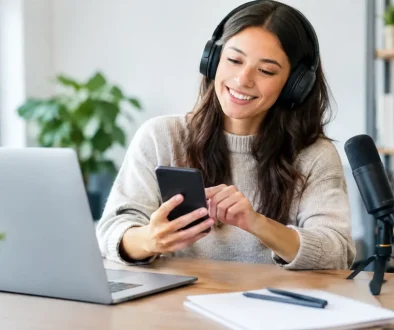
For TikToks, Reels, Shorts, and meme edits, speed matters. The sound should make sense even if someone watches with only part of their attention. That is why short buzzers, error effects, and recognizable arcade-style tones are so useful.
Keep the clip brief when possible. A one- to three-second effect is often enough to signal failure and keep the video moving. If the sound includes a longer musical ending, trim it only if the ending does not add to the joke. Sometimes that extra defeated melody is exactly what makes the scene work.
Volume is another easy fix that makes a big difference. If a game over sound blasts louder than the rest of the video, it can feel accidental rather than funny. Lower it slightly, then test the edit on phone speakers. Many people will hear your post on a phone, not with headphones.
Using Game Over Sounds as Ringtones and Alerts
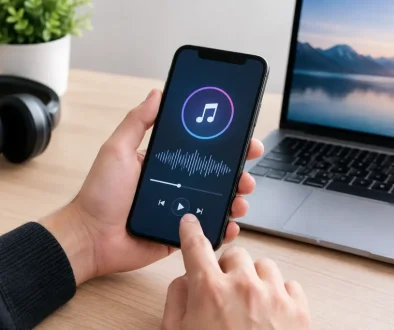
A game over sound can make a great ringtone, alarm, or message alert, especially if you want something that stands out from standard chimes. Short retro sounds are usually the safest choice for texts. A more dramatic clip may work better as a ringtone for a specific contact or as an alarm you are less likely to ignore.
Avoid picking a clip with a long silent beginning. A ringtone should get to the recognizable part quickly. It is also worth choosing a sound you will still like after hearing it every day. The funniest sound in a group chat may not be the best sound for every workday notification.
If you are saving a sound for personal use, MP3 files are convenient because they are widely supported and easy to keep organized. Give files simple names so you can find them later, especially if you download more than one version.
A Quick Check Before You Download
Free does not always mean every use is the same. If you are using audio in a public video, a monetized channel, a game, an app, or a business project, check the usage terms for that specific sound before posting. Personal ringtones and casual edits may have different rules than commercial content.
It also helps to preview the full clip first. Listen for background noise, an abrupt ending, or extra audio that does not fit your project. A sound may have a great first second but a strange ending that makes it less useful as an alert or clean video effect.
MingoSounds makes it easy to browse sound effects by mood and category, so you can compare a few options instead of settling for the first clip you find. Try a retro version, a funny fail effect, and a dramatic loss sound before choosing one.
Make the Fail Moment Count
A game over sound is a small detail, but it gives a fail moment a clear ending. Choose a clip that fits the mood, keep the timing sharp, and do not be afraid to test a few styles. The right sound can turn a missed jump, bad take, or ordinary notification into the part people remember.