Are Free Sounds Safe? What to Check Before Downloading
A funny notification sound, a scary effect for a video, or a new ringtone should take seconds to find. But are free sounds safe? Usually, they can be – if you know what you are downloading, where it comes from, and how you plan to use it.
The word “safe” covers more than viruses. A sound file can be technically safe for your phone but still create a copyright problem if you post it in a video. It can also be free to download but come from a page loaded with misleading buttons, aggressive pop-ups, or files that are not audio at all.
For everyday use, the good news is simple: downloading an MP3 from a clear, trustworthy sound page is generally low risk. A little caution helps you keep the process quick and avoid the annoying stuff.
Are Free Sounds Safe to Download?
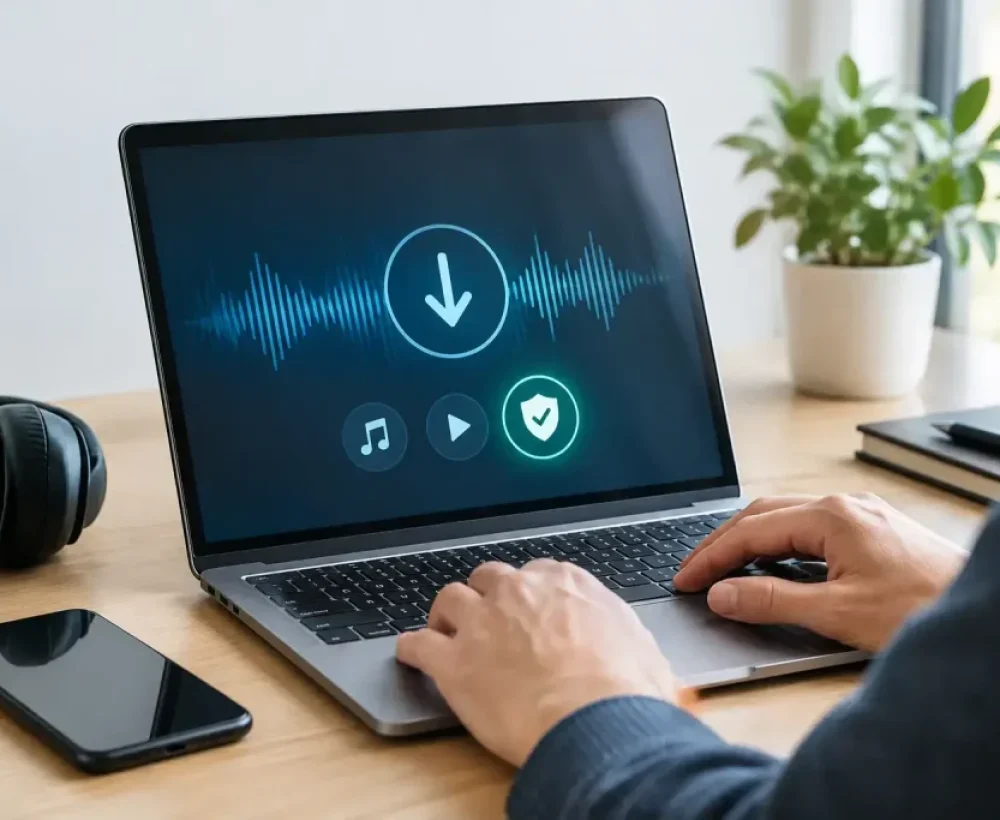
Free sounds are safest when the site makes it obvious what you are getting. You should be able to preview the clip, see a clear file type, and use one obvious download button. If a page says you are downloading a short dog bark but suddenly asks you to install an app, enable browser alerts, or open a strange file, stop there.
For phones and casual editing, common audio formats such as MP3 and WAV are what you want. An MP3 is a normal choice for ringtones, meme sounds, and quick social posts because it is small and works on most devices. WAV files are larger but can be useful when you want uncompressed audio for editing.
A real sound download should not need your passwords, banking details, or permission to send notifications. It also should not require you to download a “manager,” browser extension, or unknown media player. Those extra steps are a common sign that the download is not as simple as it claims.
MingoSounds keeps the experience focused on browsing, previewing, and downloading familiar sound types, whether you need a ringtone, animal sound, drum loop, or sound effect. That kind of straightforward setup is what users should expect from a free audio site.
Check the File Before You Save It
The fastest safety check is to look at the file extension before opening anything. Audio files typically end in .mp3, .wav, .m4a, or another recognizable audio format. Be careful with files ending in .exe, .msi, .apk, .zip, or .dmg when you expected one short sound effect.
Some exceptions are normal. A ZIP file may contain a pack of multiple loops or effects, for example. But a single ringtone does not need to arrive as a software installer. If the download name looks random, has multiple extensions like “sound.mp3.exe,” or does not match the sound you selected, delete it instead of trying to open it.
Mobile users should be especially careful with APK files. An APK installs an Android app. It is not an audio file, even if the button or filename makes it sound like one. On iPhone, you may need to save an audio file and set it as a ringtone through your normal device tools, but you should never need to install an unknown profile just to get a sound clip.
Your browser may warn you about an uncommon download. That does not automatically mean every file is dangerous, especially with smaller independent audio sites. Still, treat warnings as a reason to double-check the source and file type, not as something to click past automatically.
Watch for Fake Download Buttons
Ads help many free content sites stay free, and ads can sometimes look similar to download controls. The difference is usually context. A real download button should sit near the sound title, audio player, file information, or description. It should lead to the sound file you picked, not a surprise giveaway, game, cleaner app, or notification request.
Be cautious when a page has several flashing “Download Now” buttons but none mention the actual sound. Close pop-up tabs that appear after a click. If your browser opens a page claiming your phone is infected, do not call the number, install anything, or enter information. Close the tab and return to the original sound page.
A few habits make this easier:
- Preview the sound first so you know the page and file match.
- Use the download control closest to the player or sound description.
- Ignore buttons that promise speed boosts, virus cleanup, prizes, or app installs.
- Check your browser download list after saving to confirm the filename ends in an audio format.
If a site makes the simple task of getting a sound feel confusing, it is okay to leave. There are plenty of free sound options without the pressure tactics.
Free Does Not Always Mean Free to Reuse
Safety also means using audio in a way that does not bring trouble later. A sound may be free for personal listening, a ringtone, or a joke between friends, while commercial use or public posting may have different rules. This matters most if you are adding audio to a YouTube video, podcast, business ad, game, or monetized social account.
Short clips are not automatically free to use just because they are short. A recognizable song sample, movie quote, sports broadcast call, or celebrity voice can still be protected. Downloading it may be easy, but reposting it as part of your own content can lead to a muted video, a copyright claim, or removal.
Before using a free sound in a public project, look for plain-language usage details on the page or site. If the rules are missing or unclear, use the sound for personal fun only, or choose an effect that is clearly offered for the type of project you are making. For casual creators, generic sounds like applause, thunder, door knocks, footsteps, drum loops, and ambient street noise are often less complicated than recognizable entertainment clips.
Keep Your Phone and Computer Clean
You do not need advanced security knowledge to download sounds safely. Keep your browser and phone updated, use your device’s built-in security features, and download from pages you can identify. If you are on a shared computer, save files to a folder you can find later instead of opening every download right away.
After downloading, play the file in a standard music or audio app. If it will not open, asks for extra software, or behaves differently than a normal audio file, remove it. On a computer, scanning a suspicious file with your usual security software is a sensible extra step.
Also pay attention to browser notifications. Some sites ask you to allow notifications so they can alert you about new sounds or content. You never have to accept that request to download an MP3. If you accidentally allow notifications and start seeing unwanted alerts, remove that permission in your browser settings.
When Free Sounds Are the Right Choice
Free downloads are a great fit when you need a quick ringtone, a funny text alert, a harmless prank sound, a background effect for a personal edit, or a simple loop to test an idea. You get variety without having to sort through expensive professional libraries for a two-second clip.
The trade-off is that free catalogs may not always include detailed licenses, studio-level metadata, or exclusive sounds. If you are producing a client campaign, a commercial game, or a polished film project, you may need audio with specific rights and documentation. For a group chat, a phone alert, or a quick social post, a straightforward free MP3 is often exactly enough.
Start with the sound you want, preview it, check that the file is really audio, and ignore anything that tries to turn a quick download into an installation. That keeps free sounds fun, useful, and much safer to enjoy.