12 Best Novelty Notification Sounds to Try
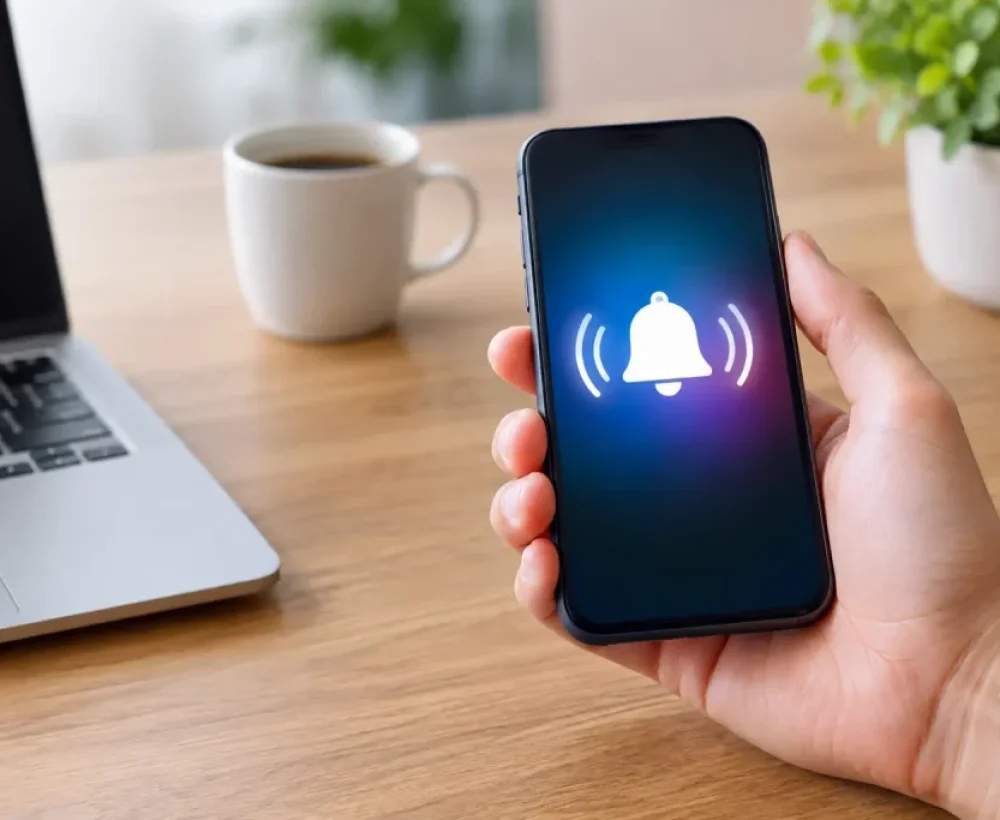
A notification sound gets your attention dozens of times a day, so it should be more than the same default ping. The best novelty notification sounds are short, easy to recognize, and funny enough to make you smile without making everyone around you hate your phone.
The trick is picking a sound that fits the job. A goofy alert can be perfect for a group chat, while a clean game-style coin sound may work better for email or calendar reminders. Start with clips that are quick, clear, and not too loud, then assign them where they make sense.
12 Best Novelty Notification Sounds
1. The classic cartoon boing
A quick cartoon boing is one of the safest funny notification choices. It is bright, familiar, and short enough to work for texts without sounding like a full ringtone. Use it for casual messages from friends, social apps, or low-priority alerts that do not need a serious tone.
Choose a single boing rather than a long bouncing sequence. The longer version may be funny once, but it can get old fast when your phone starts going off during class, work, or a quiet room.
2. The video game coin sound
A coin pickup sound is simple, upbeat, and instantly recognizable to a lot of people. It works especially well for messages, completed downloads, payment alerts, or any notification that feels like a small win.
This is a good example of a novelty sound that stays useful. It has personality, but it does not interrupt the room as much as a loud quote or exaggerated scream. Keep the clip under two seconds for the best result.
3. A short air horn blast
An air horn notification is funny because it is over-the-top. It can also be a terrible choice for every incoming text. Save this one for an alert you truly cannot miss, such as a reminder to leave the house, a work break ending, or a message from a specific person who always has urgent news.
Lower the notification volume before using it. A sharp sound that is fine at 30 percent can feel ridiculous at full volume.
4. The sad trombone
The sad trombone is a great pick for failed tasks, rejected calls, or a group chat that exists mostly for bad jokes. It has a clear comedic meaning without needing words, so it works in public better than most voice clips.
A very short wah-wah version is best. Full musical phrases take too long and can overlap with another notification before they finish playing.
5. The duck quack
Animal sounds are easy novelty alerts because they are recognizable right away. A single duck quack has enough attitude to stand out, but it is not as harsh as many electronic sounds. It is a fun choice for texts, chat reactions, or a friend’s custom contact notification.
If you want something softer, try a small bird chirp instead. If you want maximum chaos, a goat yell or loud rooster call definitely gets noticed, though neither is ideal in a shared office.
6. A tiny applause clip
A quick burst of applause turns ordinary notifications into a minor achievement. It is a solid match for fitness goals, finished timers, completed to-do items, and messages that deserve a little celebration.
Avoid clips with crowd chatter or long cheering. The cleanest applause sounds are just a few claps with a quick ending. You want recognition, not a stadium-sized interruption.
7. The cash register cha-ching
The cash register sound has been a favorite for years because it is punchy and satisfying. It makes sense for banking alerts, marketplace messages, sales notifications, or any app where you want a little extra motivation to check the update.
There is a trade-off here. Some cha-ching clips are high-pitched and can sound too close to a standard alert. Look for one with a clear register pop or drawer effect if you want it to feel more playful.
8. A retro computer beep
Old-school computer bleeps are great when you want a novelty sound that still feels subtle. Think short arcade tones, dial-up-style chirps, or a simple terminal beep. These work well for email, Discord, calendar alerts, and app notifications because they are clean and fast.
Retro beeps are also easier to live with than spoken memes. You may love a famous quote today, but hearing the same line 40 times a week can drain the joke quickly.
9. The dramatic dun-dun-dun
A dramatic sting gives any message the feeling of breaking news. It is a funny choice for family group chats, game invites, or a contact who always sends unexpected updates. Keep the clip short and use it sparingly.
This sound works best as a custom alert, not your main notification. If every app on your phone plays a dramatic sting, normal life starts to feel like a reality show cliffhanger.
10. A dog bark or puppy yap
A friendly dog bark is a simple way to make your phone feel more personal. A small puppy yap is lighter and usually less startling than a deep bark, which makes it better for frequent text messages.
Animal alerts can be especially useful when different people share a space. A unique sound helps you know it is your phone without immediately looking at the screen. Just avoid realistic barking if it might confuse your actual dog.
11. The spaceship laser zap
A quick sci-fi laser or blaster zap brings instant energy to a notification. It is a strong match for gaming apps, social messages, and creative project updates. The best clips have one clean zap with a quick fade, not a long battle sequence.
This is also a good option if you want something unusual but not embarrassing. Most people will hear it as a sound effect, while fans of sci-fi and games will get the extra fun.
12. A surprised “wow” or reaction sound
A short reaction clip can be hilarious when assigned to the right contact or chat. A quick “wow,” laugh, gasp, or confused noise gives your notification a meme-like feel without needing a full spoken sentence.
Choose carefully. Voice clips can be harder to hear in noisy places, and some have language or references that are not great around parents, teachers, or coworkers. A clean one-word reaction is usually the best bet.
How to Pick Novelty Sounds You Will Actually Keep
Funny is only one part of the decision. Your phone needs sounds that you can identify quickly, even from another room or when it is buried in a bag. A sound with a clear opening is more useful than a complicated clip that takes three seconds to get going.
Volume matters just as much. Preview a sound at the same volume you normally use during the day. If it feels too sharp through your phone speaker, it will feel worse in a quiet classroom, waiting room, or late-night group chat.
It also helps to give different notification types their own sound family. You might use a coin sound for texts, a subtle computer beep for email, a duck quack for one group chat, and a louder air horn only for must-see reminders. That setup adds personality while making alerts easier to sort without checking your screen.
Keep the Joke Fresh
The best novelty notification sounds are often the ones you rotate. A sound that makes you laugh in January may feel repetitive by March, especially if you get lots of messages. Switching a few alerts every so often keeps your phone fun without changing your whole setup.
For quick options, browse categories like Funny Sounds, Animal Sounds, Sound Effects, and Ringtones on MingoSounds, preview a few clips, and save the ones that still sound good after a second listen. Pick one sound that makes you laugh, one that gets your attention, and one that stays calm when your phone is busy.